What is Social Pinpoint?
Social Pinpoint Tools
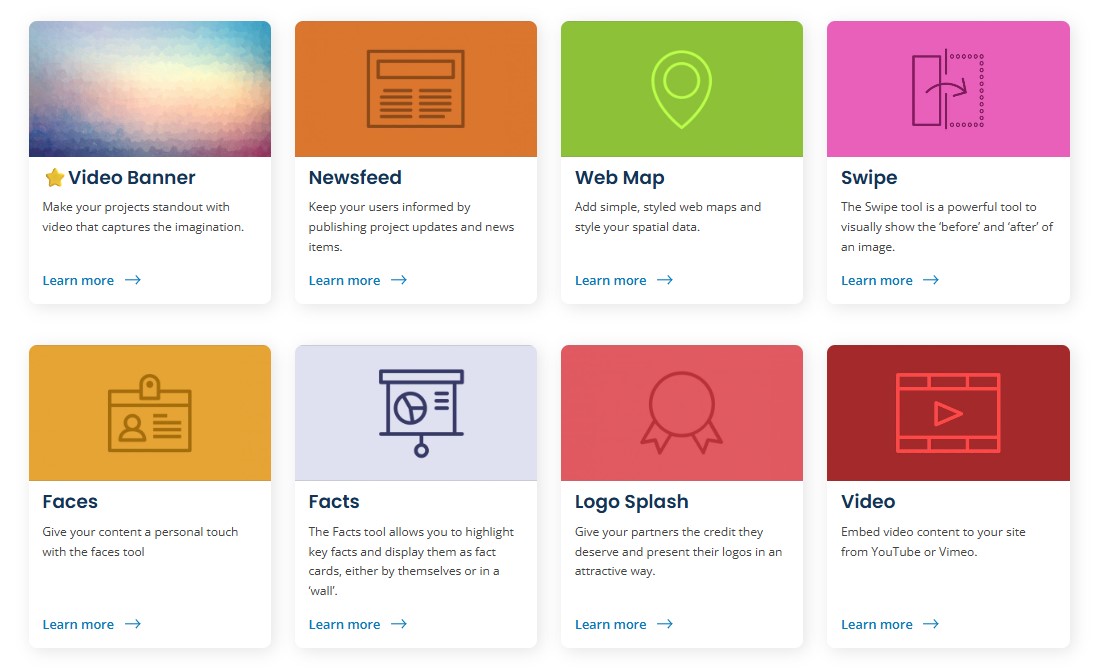
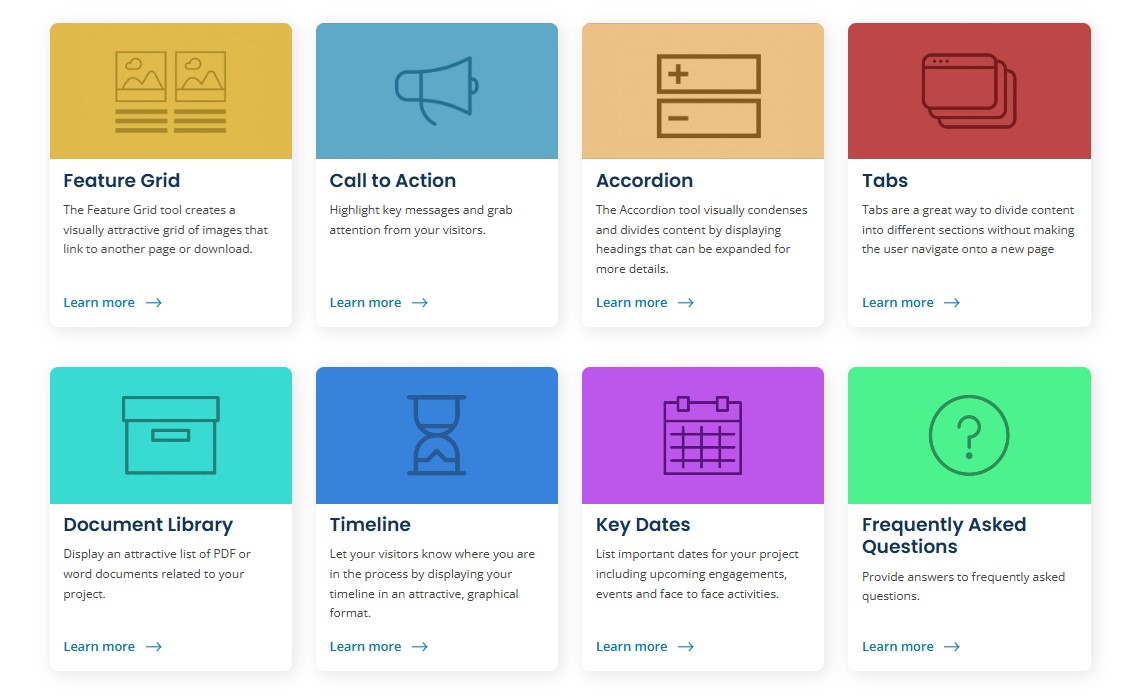
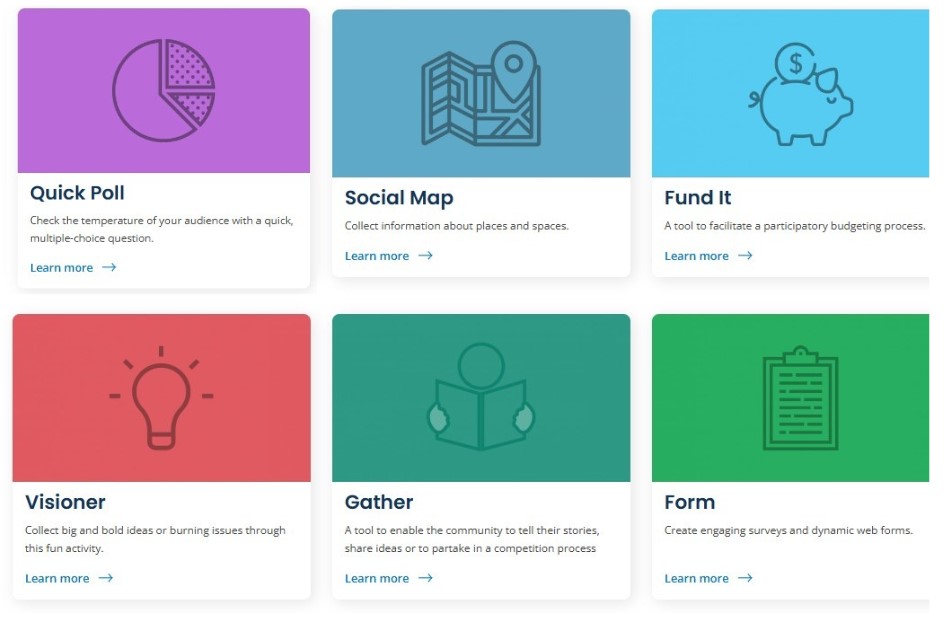
Social Pinpoint has two types of tools: content and engagement. Engagement tools collect input from community members. Content tools help with more creative and effective communication.
Content Tools
Content Tool Example: Swipe
The Swipe tool is an overlaid slider that allows visitors to make comparisons between two images, usually a before-and-after version of the same setting, with the two images superimposed. A slider allows users to see more or less of one image or the other. This tool provides and elegant solution to help users visualize planned changes or review historical progress.


Content Tool Example: Web Map
The customizable Web Map tool gives you a range of options to create impressive maps that add context and interest to your engagements. It also allows you to style your spatial data by adding layers (.geo .json and .shp), drawing custom layers or adding image layers, and adding masks to define your boundaries. It also allows you to add data popups to layers. You can choose from a range of fast-loading, vector-based base maps.
Engagement Tools

Engagement Tool Example: Visioner
Social Pinpoint's 'Visioner' tool makes it easy for your community to participate with their ideas at the beginning stages of a project, plan or strategy. It's an ideas generating tool that also encourages input on the ideas of others.
What should be the City's top priorities for transportation planning?
Share your feedback! (max 140 characters).